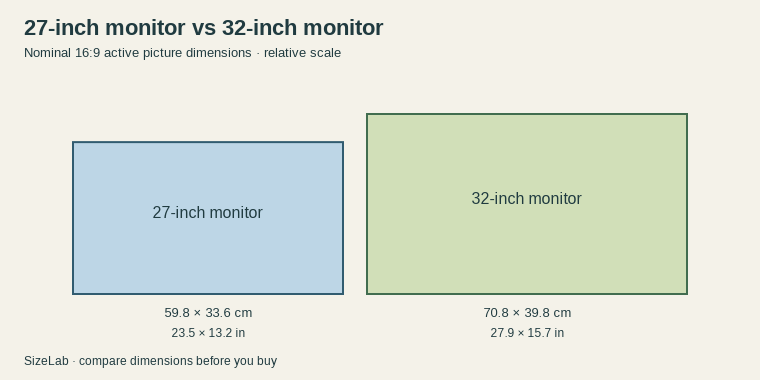
How much bigger is 32″?
| Measurement | 27″ | 32″ | Difference |
|---|---|---|---|
| Width | 23.5 in / 59.8 cm | 27.9 in / 70.8 cm | 4.4 in / 11.1 cm |
| Height / length | 13.2 in / 33.6 cm | 15.7 in / 39.8 cm | 2.5 in / 6.2 cm |
| Area | 311.5 in² | 437.6 in² | +40.5% |
What changes when you upgrade?
Check available desk width, stand footprint and viewing distance. At equal resolution, the larger panel has fewer pixels per inch, so physical size is only one part of the decision.
A centered monitor needs half the extra picture width on each side. Check the manufacturer's external width and stand dimensions before buying. This comparison assumes both panels use 16:9.
How these numbers are calculated
Calculated from the diagonal and 16:9 ratio: width = diagonal × 16/√337; height = diagonal × 9/√337. One inch is exactly 2.54 cm. See also RTINGS' size and distance guide.
The interactive diagram starts with this comparison. Changing the inputs updates the drawing and live results; the table describes the original pair.